
Editorial workflow
Change one nested sequence without changing every campaign cut
One webinar,three editorial jobs.
Map shared sequence dependencies before revising a reused section inside an existing editing project.
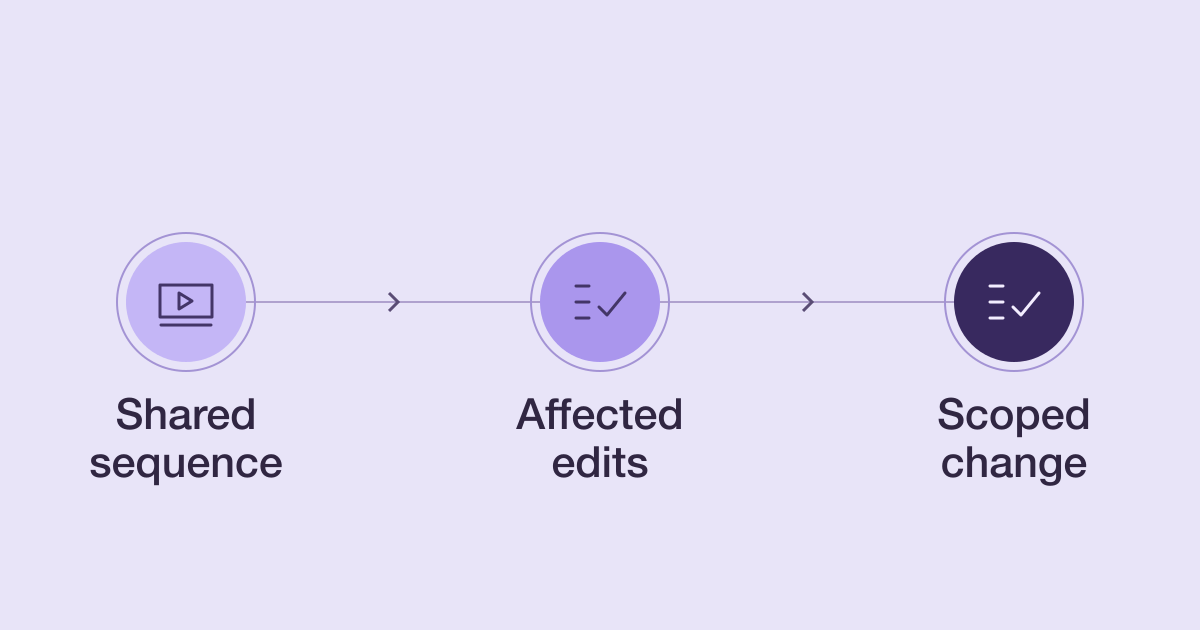
Identify the scope of the requested change
When a small correction appears in several campaign cuts, stop editing and identify the shared source sequence. In Premiere, a nested sequence is a sequence used inside another sequence. Adobe documents that changes to its source update its nested instances. That behaviour is useful for a shared correction and dangerous for a change intended for one audience.
Write the request in scope terms before choosing commands: “Change the demonstration label in the sales cut only” is different from “Correct the label everywhere this demonstration appears”. Obtain that distinction from the campaign owner. A filename containing “copy” does not establish that the objects inside the project are independent.
This is a dependency check within an editing project before rendering. It does not replace the separate published-video replacement check, which concerns embeds, transcripts and other destinations after a finished file changes.
Draw a small dependency map
List the outer campaign sequences that matter to the request. For each, identify the nested source used at the affected point and any further nest containing the actual title, clip or effect. Give the source a project identity as well as a readable name; similarly named sequences can be different objects, and different instances can reference the same object.
Make the map concrete: campaign sequence → nested source → item to change. Note whether the proposed adjustment sits on the outer instance, inside the nested source or on a deeper shared element. An effect placed on one outer clip instance has a different scope from an edit to content inside its source. Verify that distinction in the actual project.
Keep a saved, recoverable project copy and a reference export of each affected campaign cut before testing. Do not use an active shared production as the experiment. This map need only cover the dependency chain implicated by the request, but mark unknown consumers rather than quietly assuming there are none.
Work through three cuts sharing one demo
Hypothetical worked example: Brand Overview, Sales Follow-up and Product Update each contain the nested source Demo Core. Demo Core contains a second nest called Opening Label. The sales team wants a different opening question for its version; the other two cuts must retain their current wording.
Duplicating Sales Follow-up alone does not prove that Demo Core or Opening Label has become independent. In a disposable project copy, the editor temporarily changes a visible label inside Opening Label, then checks the three outer sequences. If all three change, the experiment has exposed the shared dependency. Undo the marker and verify that the reference state is restored.
The editor creates a separate source for the sales-specific content and reconnects only the intended sales instance. If the revised content lives inside Opening Label, that dependency also needs appropriate separation; copying only Demo Core may leave the deeper label shared. The editor repeats the temporary-marker test on the isolated chain before making the real wording change.
The acceptance result is specific: the sales cut shows the new question, while the corresponding moments in Brand Overview and Product Update match their references. A project-bin name alone is not the acceptance result.
Check timing as well as wording
After reconnecting an instance, inspect its start, end, speed, transitions and any effects applied outside the nest. A replacement source with different duration or timing can change what appears at an existing trim boundary. Do not assume that the outer clip now displays the desired source interval merely because its overall position stayed fixed.
Play the entry and exit in context. Check a distinctive action inside the nested section and the first following shot. If audio lives within the nest, listen across both boundaries. If it lives outside, confirm the new content still agrees with the retained narration or music timing.
Then render short comparison samples from the intended cut and its protected siblings. Compare the requested change, the boundaries and one unchanged internal moment. This catches a successful wording correction accompanied by an unintended timing change. If the dependency map remains uncertain, stop the revision and have the project owner resolve the source relationships.
Leave a change record the next editor can use
Record the old source, the new source, the outer instance reconnected and the reason for separating it. Note which siblings were checked and which remain unverified. Keep the original shared source until the team has confirmed that it is no longer needed; deleting it to tidy the bin can break unrelated work.
For a correction that truly belongs everywhere, retain a shared source deliberately and review each dependent cut. Different outer trims can expose different parts of the correction. Shared implementation does not eliminate per-deliverable review.
Anjin's plan and render records help identify a supplied-source composition and its output. They are not a Premiere project dependency graph. Carry the selected cut and its source references into the finishing handoff, then let the editor manage native project relationships with this scope check.
PUT IT INTO PRACTICE
Make the next edit useful.
- Explore the Anjin product
Discover Anjin Media’s web app, REST API and MCP server for AI video editing.