
Protect the subject
Avoid losing the speaker when widescreen footage becomes vertical.
Video intelligence
Anjin combines available face and active-speaker evidence to choose framing, then checks whether the crop can safely contain the people who need to stay visible.
One video or an entire archive.
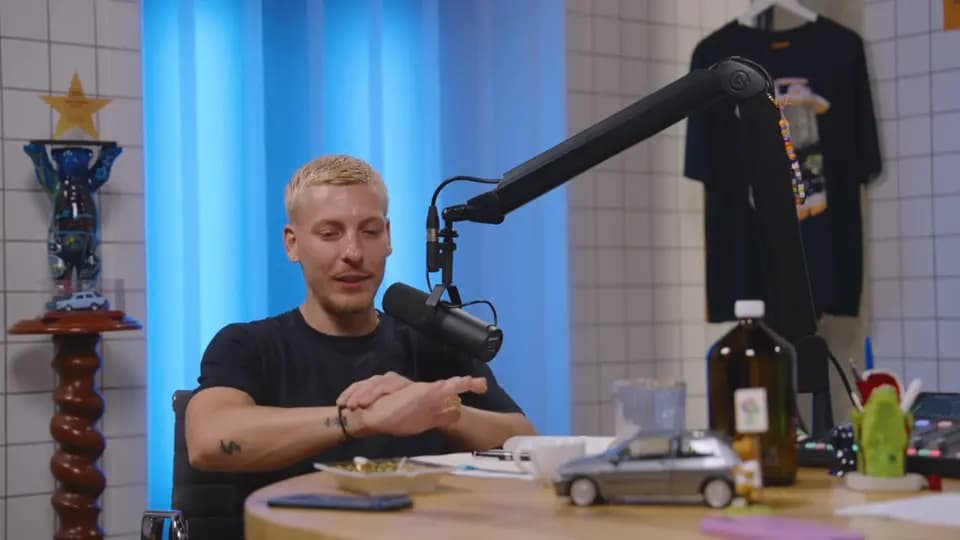 FACE 0.94SOURCE 16:9
What is auto video reframing?
New cuts default to speaker-aware framing. Unsafe or ambiguous windows can retain steady bars or supported stacked crops. Stable split-screen dividers constrain each face crop to its own panel. Existing cuts retain their saved crop policy.
Controls and evidence
Useful automation leaves something a person can inspect. Anjin keeps the edit connected to its brief, source media and output settings.
Why it matters
Avoid losing the speaker when widescreen footage becomes vertical.
Use validation and fallback behaviour instead of pretending every crop is safe.
Carry crop coverage information into render quality checks.
Fit and boundaries
Anjin is strongest on speech-led recorded material where the editorial job can be described clearly and every selected moment needs to remain verifiable. It supports human judgement with searchable evidence, a reviewable plan and structured outputs.
A strong fit
Interviews, podcasts, webinars, discussions and archive programmes benefit when the useful material is distributed across a long recording or several selected sessions.
Keep elsewhere
Detailed colour, sound design, motion graphics and wordless visual storytelling remain finishing tasks for a professional editor and their preferred creative tools.
Evaluation checklist
face_crop
Confirm that the workflow exposes this clearly: detected face positions sampled across the source video.
crop_mode
Confirm that the workflow exposes this clearly: speaker-aware framing, full-frame bars or supported stacked portrait treatment.
coverage
Confirm that the workflow exposes this clearly: the proportion of the timeline with an admitted crop window.
fallback
Confirm that the workflow exposes this clearly: measured duration where safe face-aware cropping was unavailable.
Free tools
Free · In your browser
Convert horizontal video to vertical without uploading it. Crop a 9:16 window out of your landscape video and slide it to where the action is, or keep the whole picture and fit it on a blurred or black background. Either way you get a 1080 x 1920 video.
Open the tool →Free · In your browser
Enter any width and height to see the reduced aspect ratio and its decimal value, then resize to a target ratio and get the other side, raw and rounded to an even pixel count.
Open the tool →Free · In your browser
Video dimensions and aspect ratios for Instagram, Facebook, YouTube, TikTok and LinkedIn, each one checked against the platform's own official spec page and linked so you can verify it yourself.
Open the tool →Continue exploring
Put it into practice
Start with footage you already have and a clear description of the result you need.
One video or an entire archive.