
Use the best view
Choose an available angle that supports the speaker and editorial moment.
Video intelligence
Group synchronised recordings, preserve their timing relationship and compose across available camera angles without losing source provenance.
One video or an entire archive.
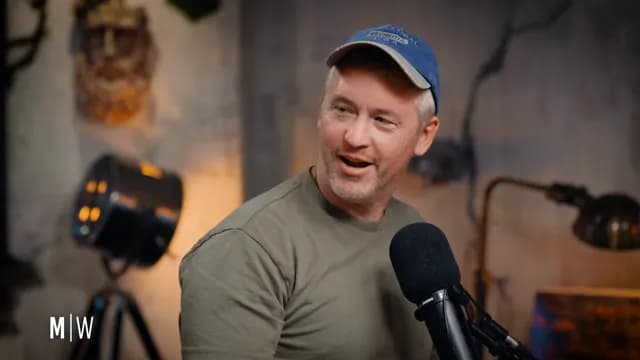 A · JEFFSYNC +00:00.00
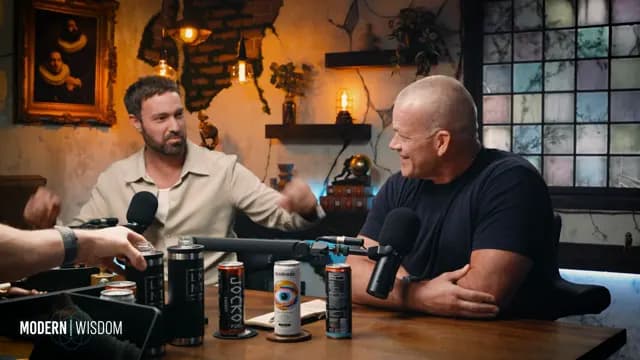 B · JOCKOSYNC +00:00.01
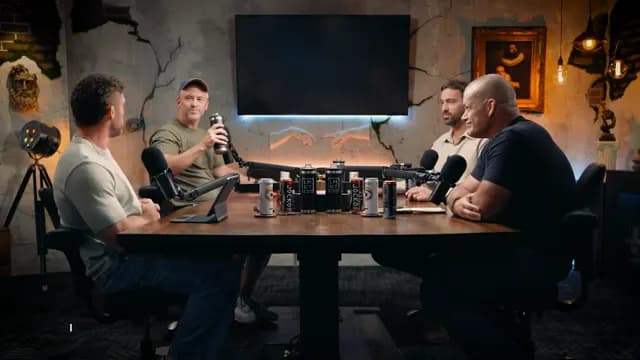 C · WIDESYNC +00:00.02
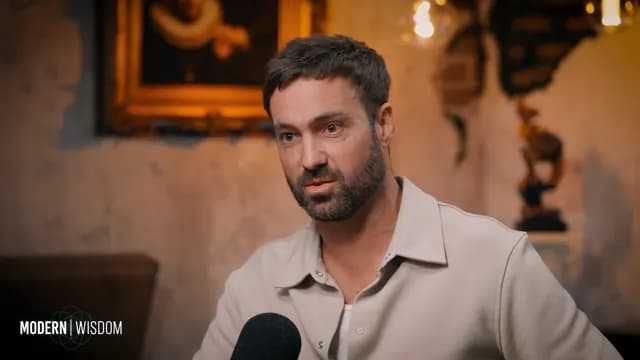 D · MATTSYNC +00:00.03
Source: Jocko Willink, Matt McCusker & Jeff Dye, Mostly Wise #3
What is AI multi-angle video editing?
Anjin supports angle labels A through D, validates synchronisation coverage and carries angle references into plan segments and render operations.
Controls and evidence
Useful automation leaves something a person can inspect. Anjin keeps the edit connected to its brief, source media and output settings.
Why it matters
Choose an available angle that supports the speaker and editorial moment.
Validate timing before an angle reaches the rendered edit.
Retain angle and source information in the reviewable plan.
Fit and boundaries
Anjin is strongest on speech-led recorded material where the editorial job can be described clearly and every selected moment needs to remain verifiable. It supports human judgement with searchable evidence, a reviewable plan and structured outputs.
A strong fit
Interviews, podcasts, webinars, discussions and archive programmes benefit when the useful material is distributed across a long recording or several selected sessions.
Keep elsewhere
Detailed colour, sound design, motion graphics and wordless visual storytelling remain finishing tasks for a professional editor and their preferred creative tools.
Evaluation checklist
angle
Confirm that the workflow exposes this clearly: a stable camera label from A through D.
offset
Confirm that the workflow exposes this clearly: the timing relationship between an angle and its source group.
coverage
Confirm that the workflow exposes this clearly: whether an angle spans the required editorial moment.
drift
Confirm that the workflow exposes this clearly: synchronisation variance checked before multi-angle use.
Put it into practice
Start with footage you already have and a clear description of the result you need.
One video or an entire archive.