
Verify quotations
Return from a selected statement to the exact recorded context.
Output and control
Every selected segment remains connected to the source recording, time range and plan version that produced it, making review and reuse more dependable.
One video or an entire archive.
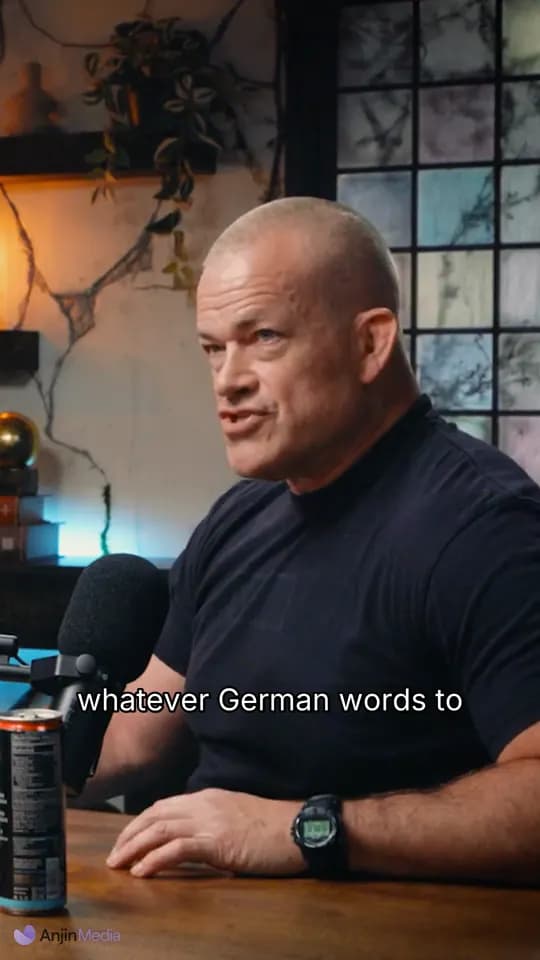
RENDER V1
What is source provenance in AI video editing?
Cut segments record source timecodes and references. Render results retain the plan version and provide structured edit-decision information.
Controls and evidence
Useful automation leaves something a person can inspect. Anjin keeps the edit connected to its brief, source media and output settings.
Why it matters
Return from a selected statement to the exact recorded context.
Inspect what the system used instead of accepting an unexplained output.
Keep source identity attached as moments move into new edits and systems.
Fit and boundaries
Anjin is strongest on speech-led recorded material where the editorial job can be described clearly and every selected moment needs to remain verifiable. It supports human judgement with searchable evidence, a reviewable plan and structured outputs.
A strong fit
Interviews, podcasts, webinars, discussions and archive programmes benefit when the useful material is distributed across a long recording or several selected sessions.
Keep elsewhere
Detailed colour, sound design, motion graphics and wordless visual storytelling remain finishing tasks for a professional editor and their preferred creative tools.
Evaluation checklist
source_group
Confirm that the workflow exposes this clearly: the recorded session from which a moment was selected.
timecodes
Confirm that the workflow exposes this clearly: the start and end range inside the original source.
angle
Confirm that the workflow exposes this clearly: the camera source used where multi-angle media is available.
plan_version
Confirm that the workflow exposes this clearly: the reviewed editorial plan used for rendering.
Put it into practice
Start with footage you already have and a clear description of the result you need.
One video or an entire archive.