
Reduce awkward joins
Avoid treating every transcript boundary as a visually safe edit point.
Video intelligence
Anjin considers shot boundaries and transition context when assembling source moments, helping composed edits feel intentional rather than mechanically joined.
One video or an entire archive.
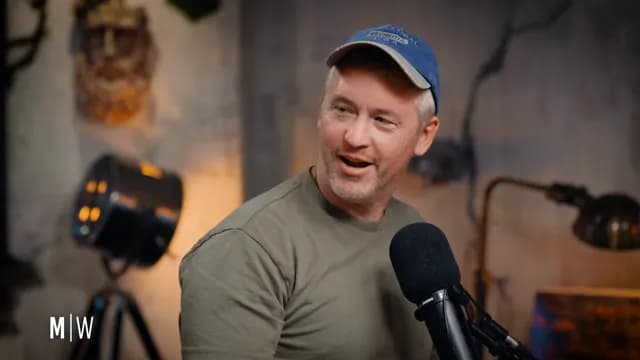 SHOT 12
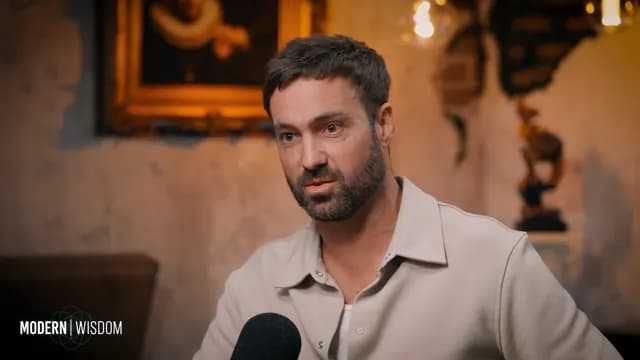 SHOT 13
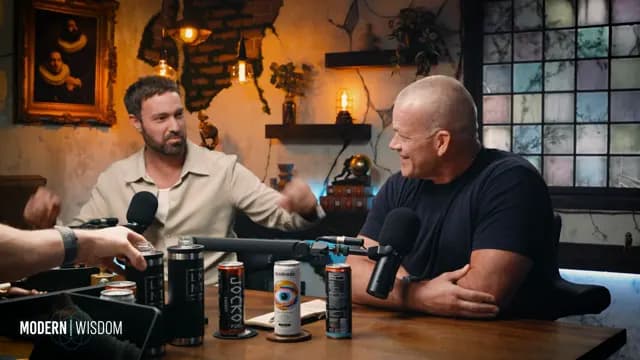 SHOT 14HOLD 4F
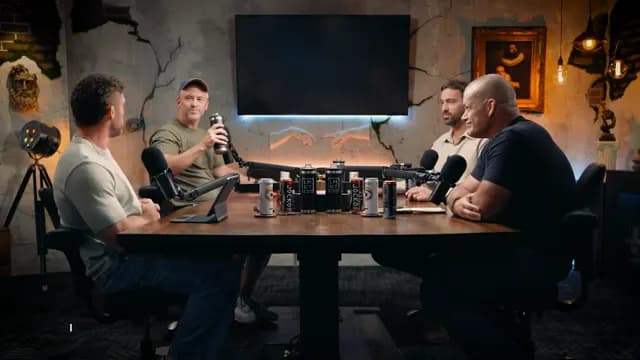 SHOT 15
What is shot-aware video editing?
Shot indexes and transition continuity checks are part of the rendering pipeline. The system can hold frames at seams where a direct boundary would be visually disruptive.
Controls and evidence
Useful automation leaves something a person can inspect. Anjin keeps the edit connected to its brief, source media and output settings.
Why it matters
Avoid treating every transcript boundary as a visually safe edit point.
Keep visual changes from distracting from the argument being made.
Keep each transition connected to its selected source moments and QC data.
Fit and boundaries
Anjin is strongest on speech-led recorded material where the editorial job can be described clearly and every selected moment needs to remain verifiable. It supports human judgement with searchable evidence, a reviewable plan and structured outputs.
A strong fit
Interviews, podcasts, webinars, discussions and archive programmes benefit when the useful material is distributed across a long recording or several selected sessions.
Keep elsewhere
Detailed colour, sound design, motion graphics and wordless visual storytelling remain finishing tasks for a professional editor and their preferred creative tools.
Evaluation checklist
shot_index
Confirm that the workflow exposes this clearly: detected shot boundaries associated with the source media.
source_shot
Confirm that the workflow exposes this clearly: shot context retained for a selected plan segment.
transition
Confirm that the workflow exposes this clearly: continuity validation at adjacent segment boundaries.
qc
Confirm that the workflow exposes this clearly: output checks recorded with the completed render.
Put it into practice
Start with footage you already have and a clear description of the result you need.
One video or an entire archive.